A private server
Its own memory and disk. Nobody else’s app lives on it.
Managed VPS
Rent a server without becoming its administrator. Aria hardens it, keeps it patched and runs your app, your databases and your HTTPS, and Aria AI does the deploying.
Checked against the product on
The short answer
A managed VPS for developers is a private server that someone else sets up, secures, updates and watches, so you only ship code. With Aria Cloud the server is yours alone, Postgres, Redis and Supabase run on it at no extra cost, and plans start at £9 a month.
What you get
Everything an app needs to be live, on one private machine, at one monthly price.
Its own memory and disk. Nobody else’s app lives on it.
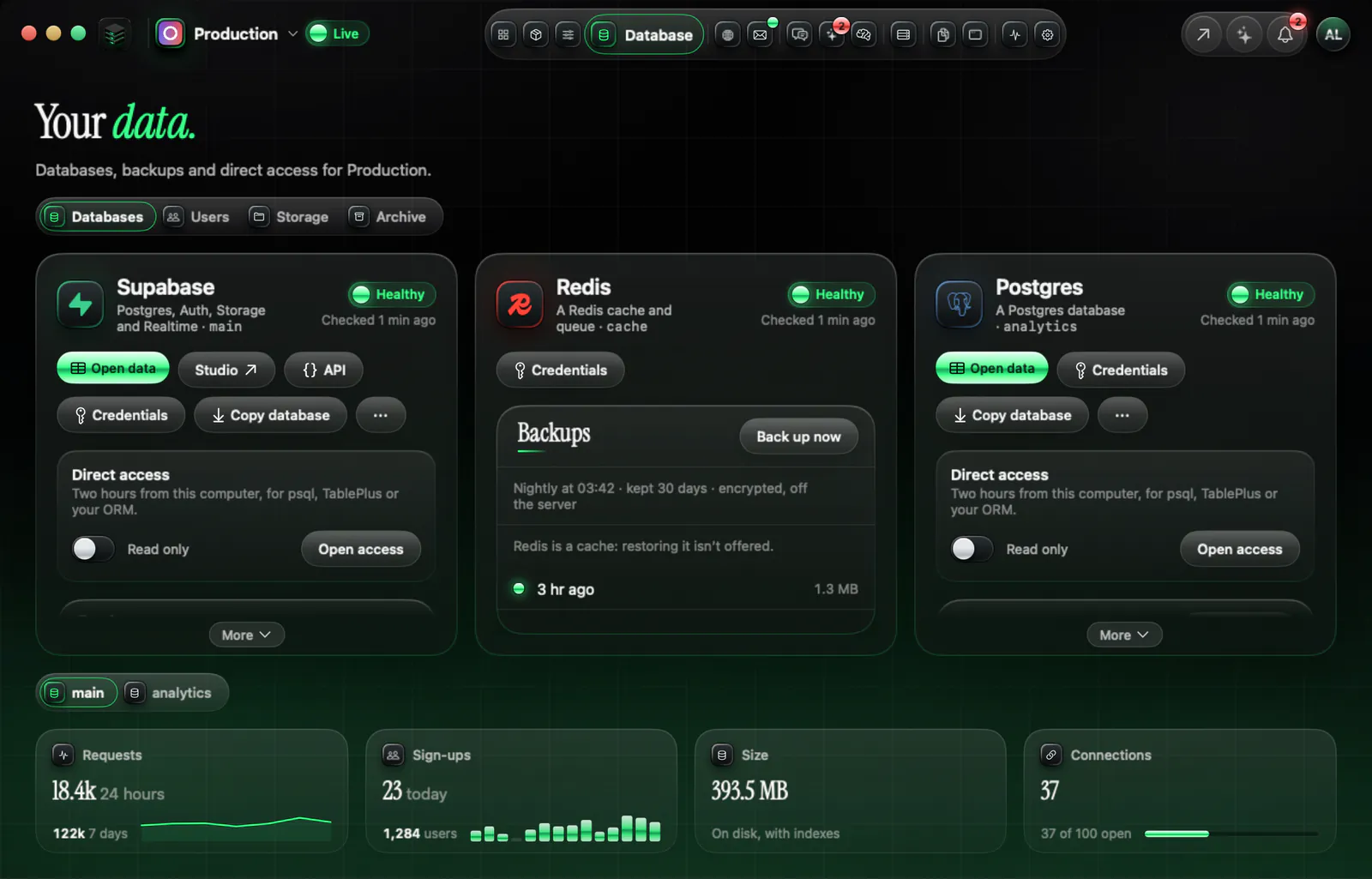
Postgres, Redis and Supabase on the same machine, at no extra cost.
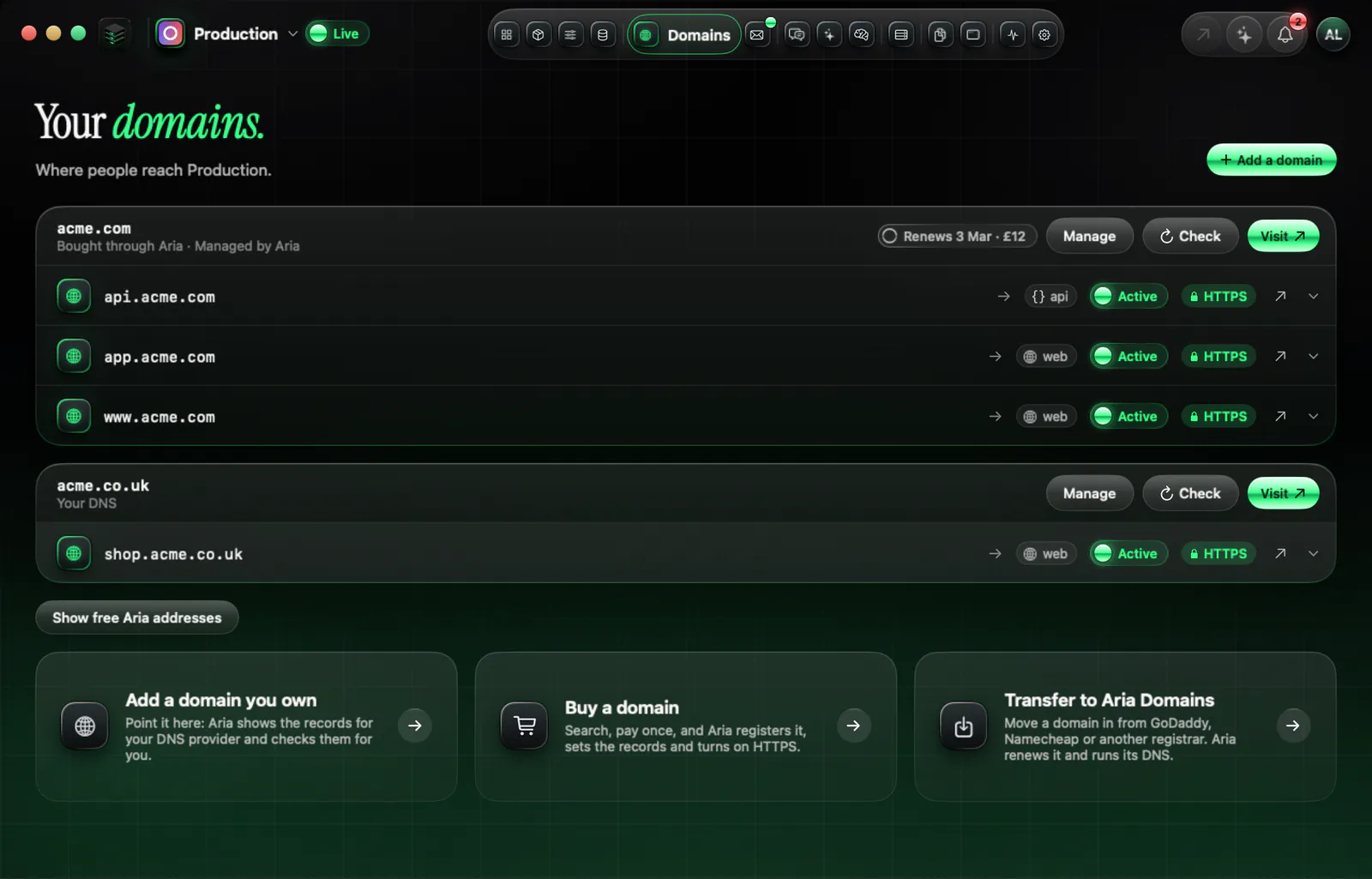
Every app gets a free address you can name. Buy a domain through Aria or connect yours. HTTPS is automatic.
A push redeploys the services it touched.
Encrypted and stored off the server, every night.
Aria samples memory, CPU and disk every minute and emails you when a bigger plan is needed.
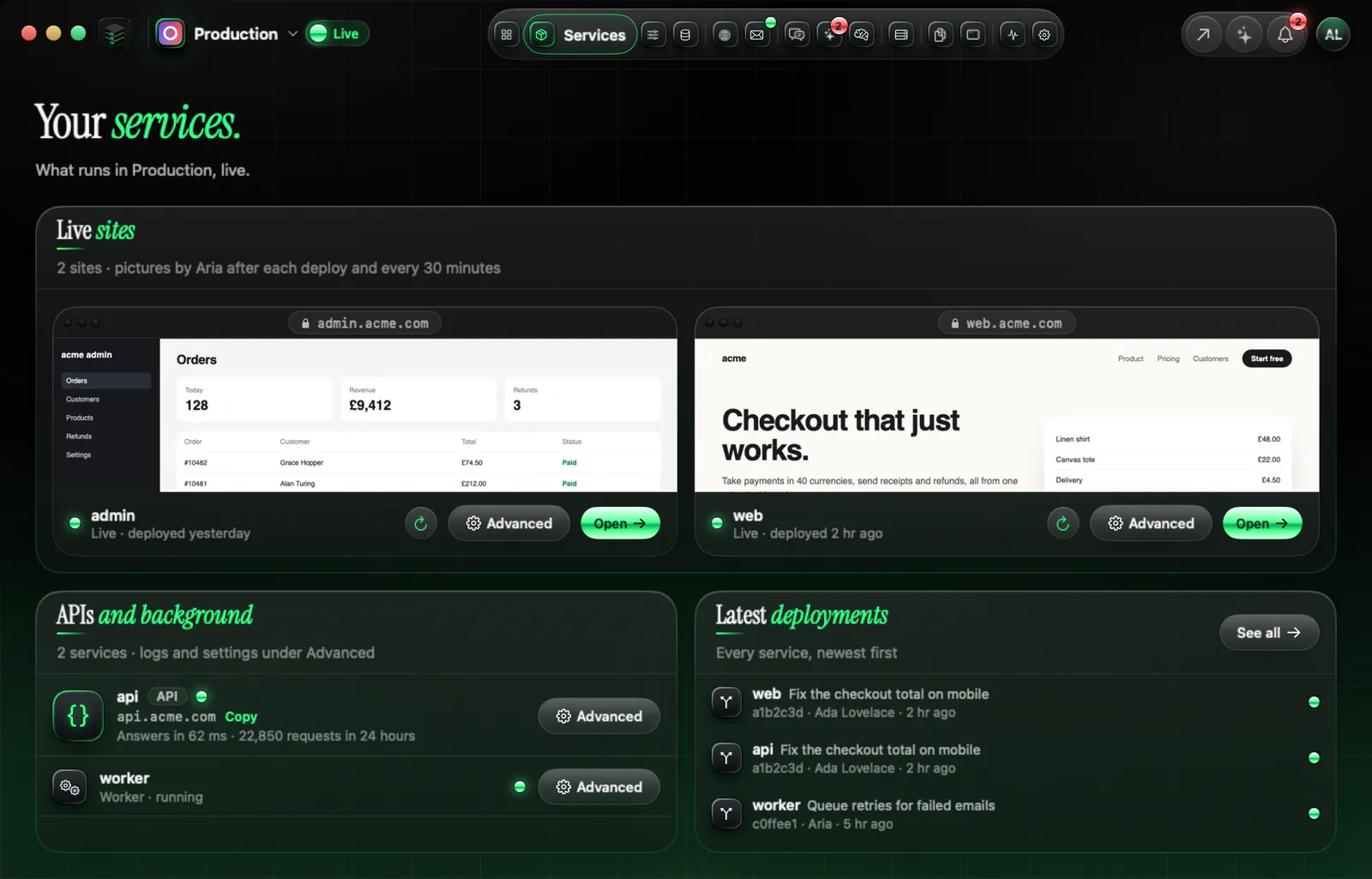
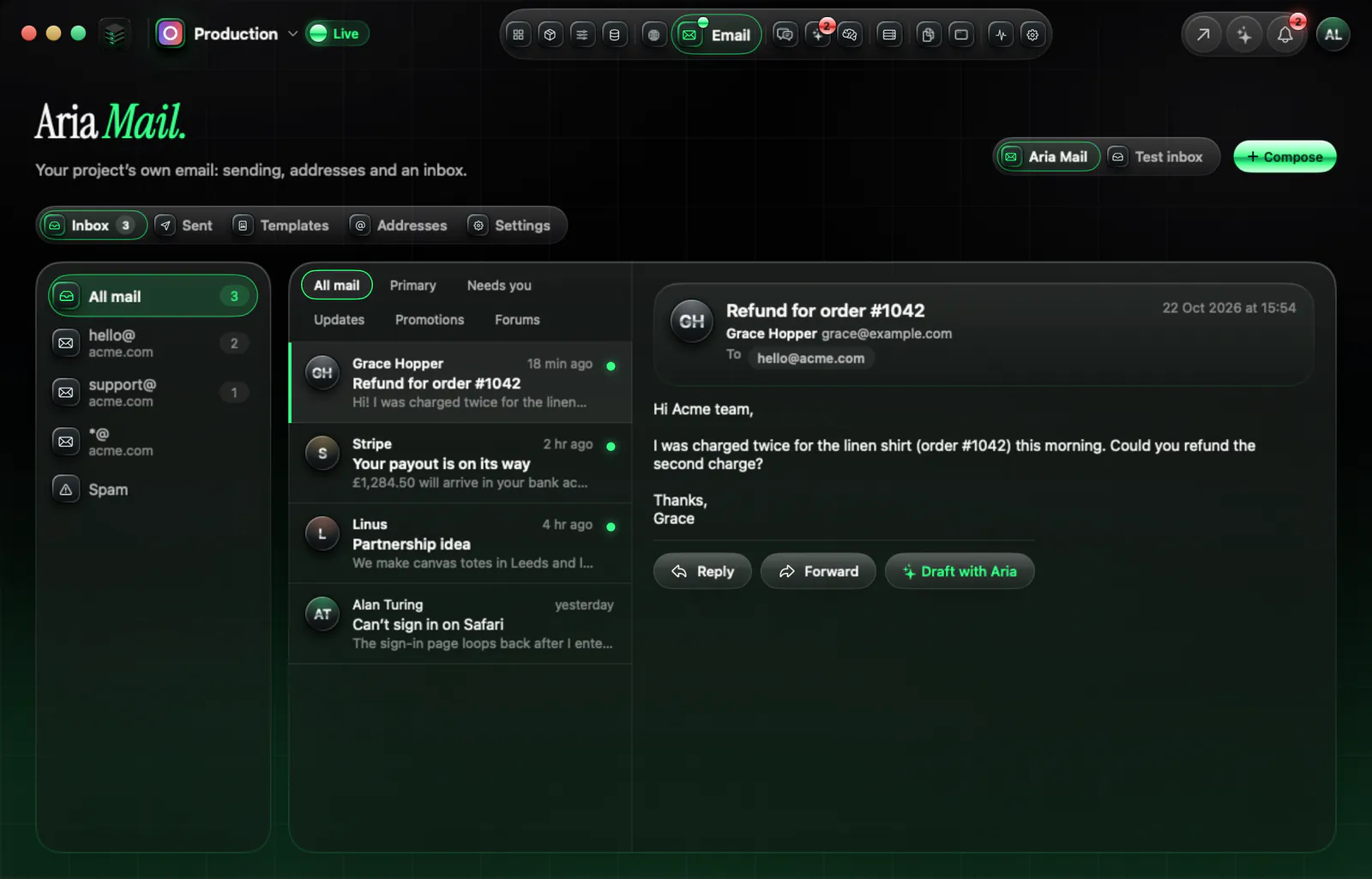
See all of it
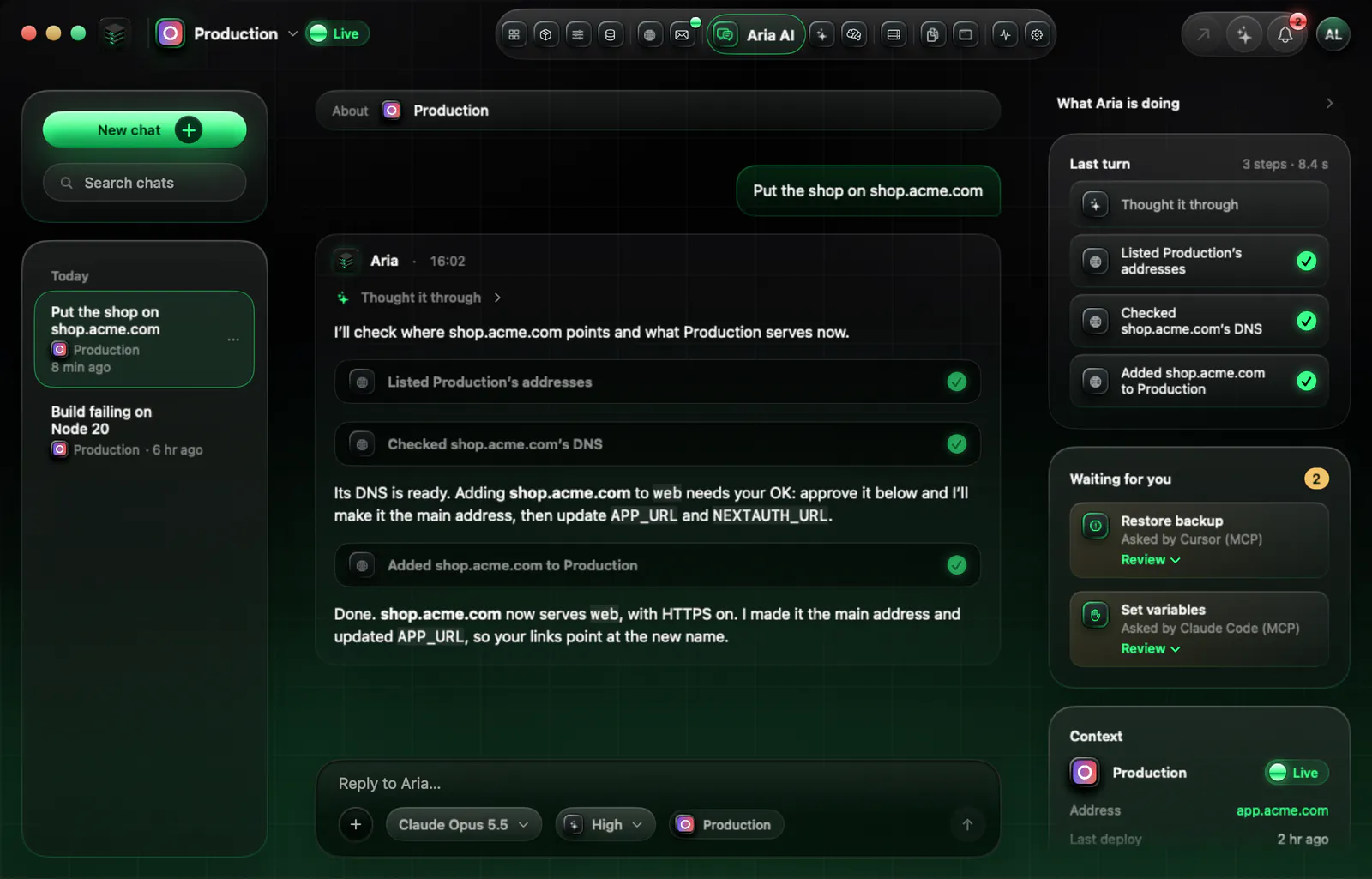
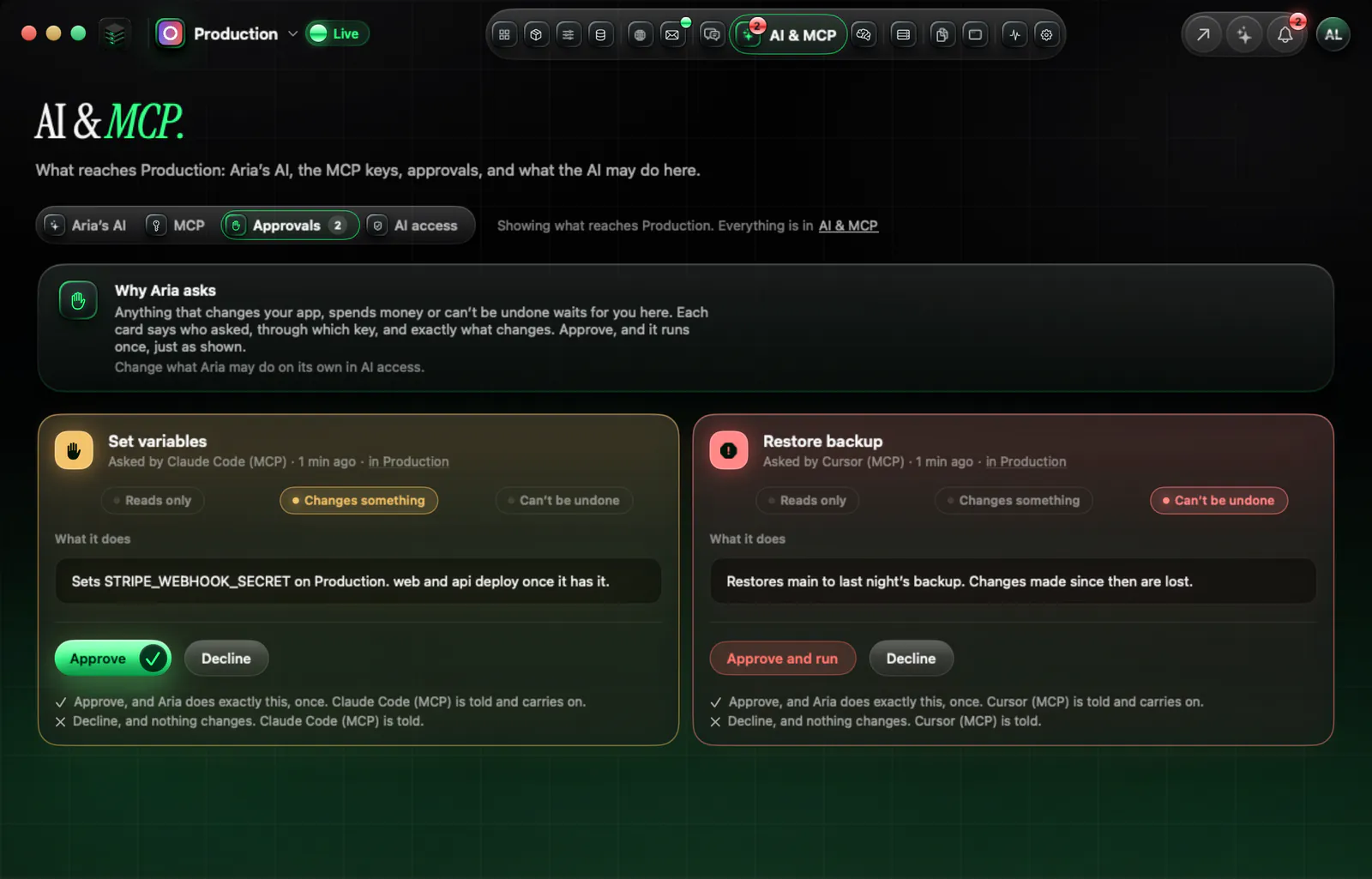
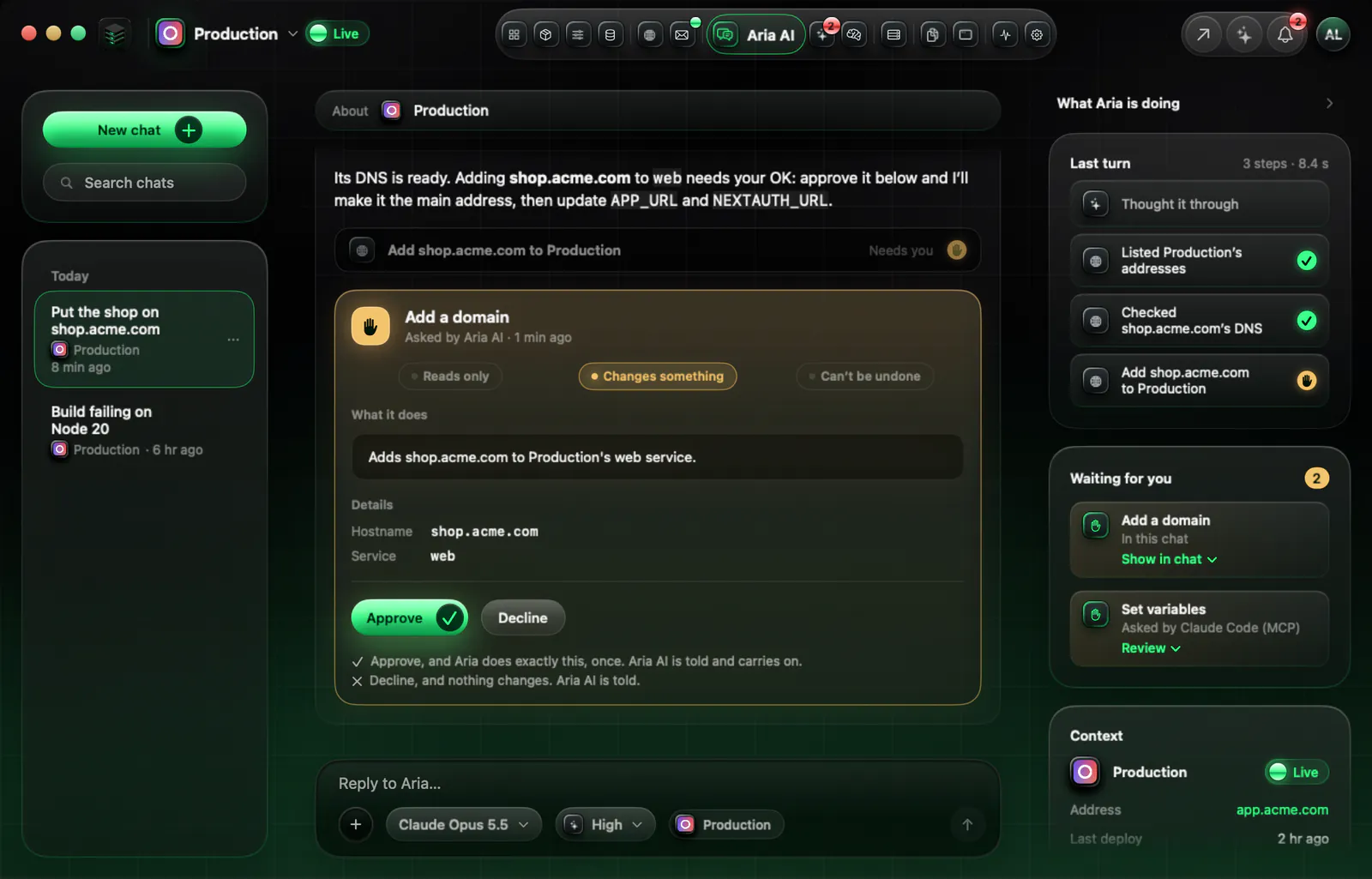
From the Mac app or your browser you see everything that is running: services, databases, domains and the health of the machine. When something important has to change, Aria asks you first.
Download for Mac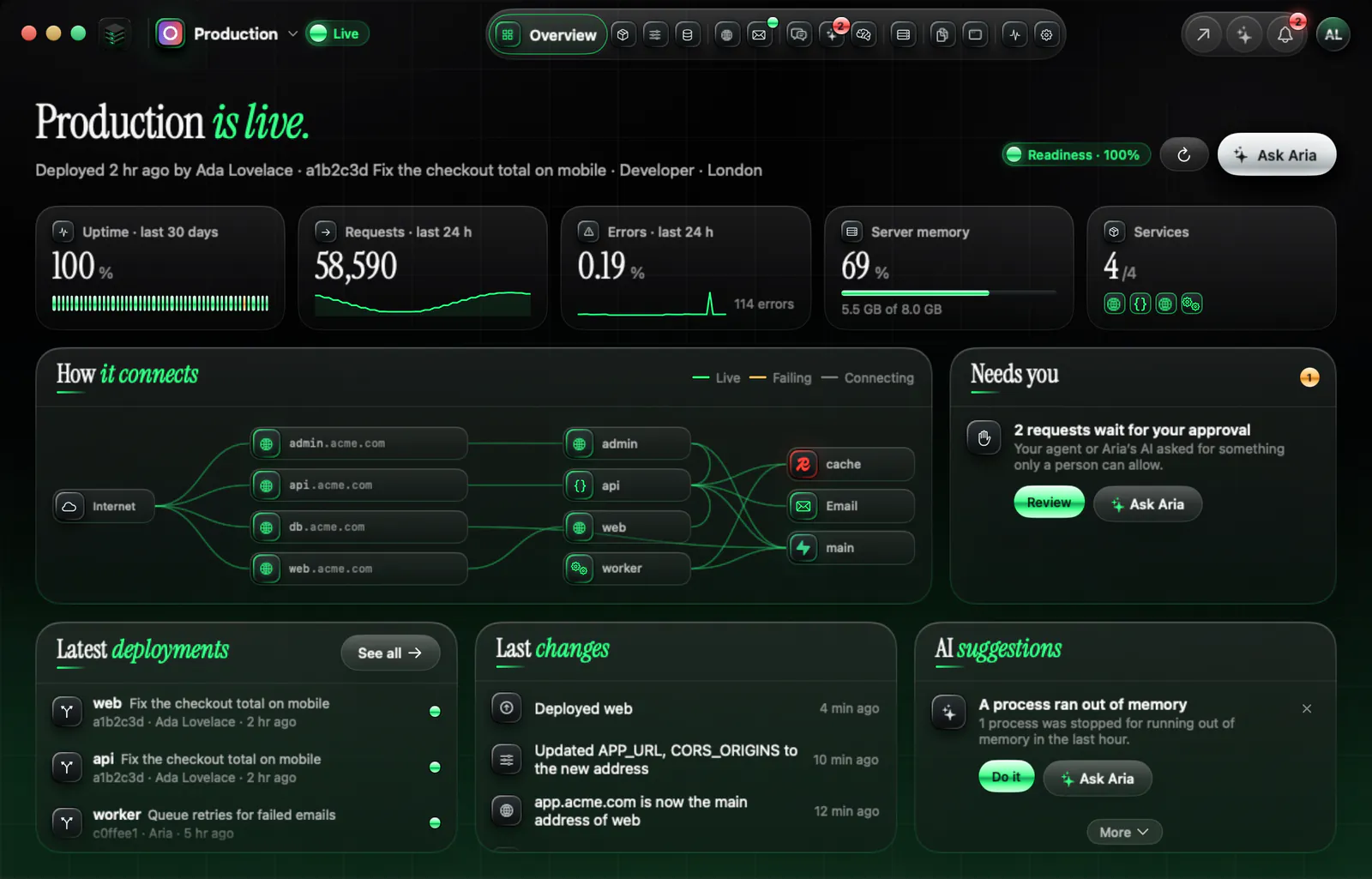
Real Aria screens, shown with demo data.
Layer by layer
The word means different things from one host to the next. Here is who does each job on a raw VPS, on a control panel and on Aria.
| Job | Raw VPS | Control panel on a VPS |  Aria Cloud Aria Cloud |
|---|---|---|---|
| Operating system updates | You | You, plus the panel’s own updates | Security updates install themselves, and Aria checks that after setup |
| Firewall and SSH | You | You, with the panel’s help | Set before your app runs: password login off, web ports open, SSH only from Aria’s control network |
| HTTPS and domains | You: certificates and a reverse proxy | You configure it in the panel | Automatic HTTPS. Buy a domain through Aria, or connect yours with two DNS records |
| Builds and deploys | You write scripts or a pipeline | You connect the repository in the panel | From one aria.yaml. A push redeploys the services it touched |
| Databases | You install and tune them | You add them in the panel | Postgres, Redis and Supabase declared in the file, included at no extra cost |
| Backups | You build them | You choose and configure them | Nightly, encrypted, stored off the server |
| Capacity | You watch it | You watch it | Aria samples memory, CPU and disk every minute and emails you when a bigger plan is needed |
Panels differ, so that column describes the usual job split, not one product. For named comparisons see Aria against Vercel, Supabase, Railway and Heroku.
How you work on it
1Built in
The AI built into Aria. It writes aria.yaml, sets things up, reads logs and fixes things, inside the Mac app and the web dashboard.
2From outside
For a coding agent working outside Aria. It calls Aria’s tools with a key that reaches one app.
$ aria init
$ aria mcp addOne file for services, databases, variables and domains.
The referenceDeploy, check, read logs, set variables.
The command lineOr build commands. Anything that builds from your repository and listens on a port can run.
aria db url gives you a login that removes itself, after you approve it.
Hardened first
Aria sets the server up in a fixed way, then checks the result. If a critical check fails, Aria holds the server instead of launching on it.
How Aria secures your serverPassword login is off, sign-in is by key only, and a login gets three tries. Forwarding is off.
Everything is refused except web traffic and Aria’s own control connection. Ports that containers publish cannot go round it.
Security updates install by themselves, and Aria checks that this is on.
Containers cannot reach the cloud provider’s metadata address, a common way for a leaked app to leak the server too.
After setup Aria checks updates, SSH policy, the firewall, listening ports, Docker, time sync, logging, brute-force limits, file permissions and host keys.
The plans
Each plan is one private VPS at one flat monthly price. One server can run several websites.
Aria estimates your stack from aria.yaml before you pay and names the smallest plan that fits. Supabase alone needs about 4 GB, so a Supabase app starts on Developer (£16). The full list is on Limits, and the plans are on pricing.
Prices are in pounds, ex VAT, from a UK company, Inverta Group Limited. You choose where the server runs, in Europe, the UK, North America, Asia or Australia.
From file to live
Services, databases and variables, in one file you can read and commit. Your own coding agent can write it too, over MCP. The reference lists every field.
It validates the file with line numbers, estimates the memory and suggests the smallest plan that fits.
Aria orders your server. You enter the secrets only you have, such as a payment key.
It builds each service, wires the database addresses, turns on HTTPS and shows you the address. After that, a push redeploys what it touched.
Start with the quickstart, or read how your coding agent connects.
Room to grow
Choose a bigger plan and Aria grows your server in place where it can, with one restart. Where it cannot, Aria moves your app to a bigger server and shows you the price and the downtime first.
A whole machine, by request. Tell us the RAM, cores and disks, we talk it through, set the price and set it up. Up to 120 GB of RAM and more.
By request too. Tell us what you want to run.
Questions
Through aria.yaml, Aria AI, the aria command line, the Aria app and your coding agent. You can run any app that builds from your repository or your Dockerfile, read its logs and open a temporary database login.
Aria sets the server up and hardens it before your app runs, installs security updates, turns on HTTPS, builds and deploys your services from aria.yaml, runs Postgres, Redis and Supabase on the same machine, and backs up databases and volumes every night. You write the application and decide what runs.
Yes. Aria hosts static sites and front ends as well as APIs and workers, and one server can run several websites: up to 5 apps by default, as long as they fit in its memory.
Backups are encrypted and stored off your server, nightly. Without a backup block in aria.yaml they are kept for 30 days. Postgres databases, Supabase and the volumes your services declare are covered. Redis is a cache and is not restored.
Up to 5 apps on one server by default, as long as they fit in its memory. One aria.yaml can describe up to 12 services and 6 databases. Aria estimates the memory before you pay and tells you the smallest plan that fits.
Choose a bigger plan. Aria grows your server in place where it can, with one restart. Where it cannot, Aria moves your app to a bigger server and shows you the price and the downtime first.
Each plan is one monthly price for one private VPS. There is no charge per seat, per app, per database or per request, and Supabase is included at no extra cost. Email is the one usage add-on: Aria Mail includes 2,000 emails a month, then £0.50 per 1,000.
Yes. Aria AI writes aria.yaml and deploys, inside the Mac app and the web dashboard. Claude Code, Cursor, Codex, Gemini CLI and Antigravity connect over MCP and do the same. Looking at status and logs runs straight away. Variables, launching the app, DNS records and deletes always wait for you.
Start
Sign up, connect your code, let Aria AI write the file, and Aria does the rest.