Slab by slab: how Aria builds your server
A picture tour of what happens when you start with Aria: the three layers of your server, two-factor sign-in, and the choice between the Mac app and the web.
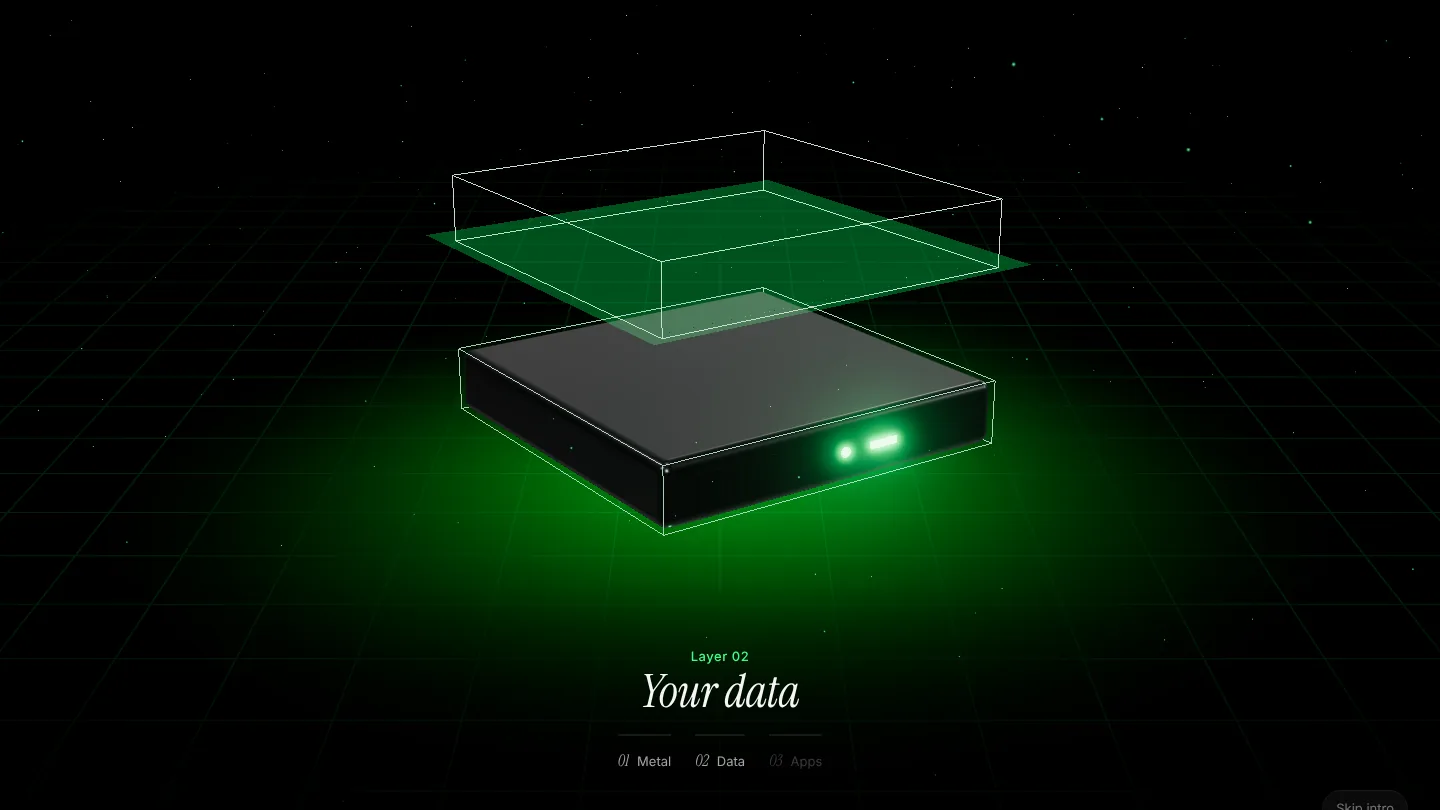
Every Aria account starts the same way: with one server that is yours alone. Not a slice of a shared platform, not a seat on someone else’s plan. This post walks through what that means, one picture at a time, using the same images you see on the site.
One server, three layers
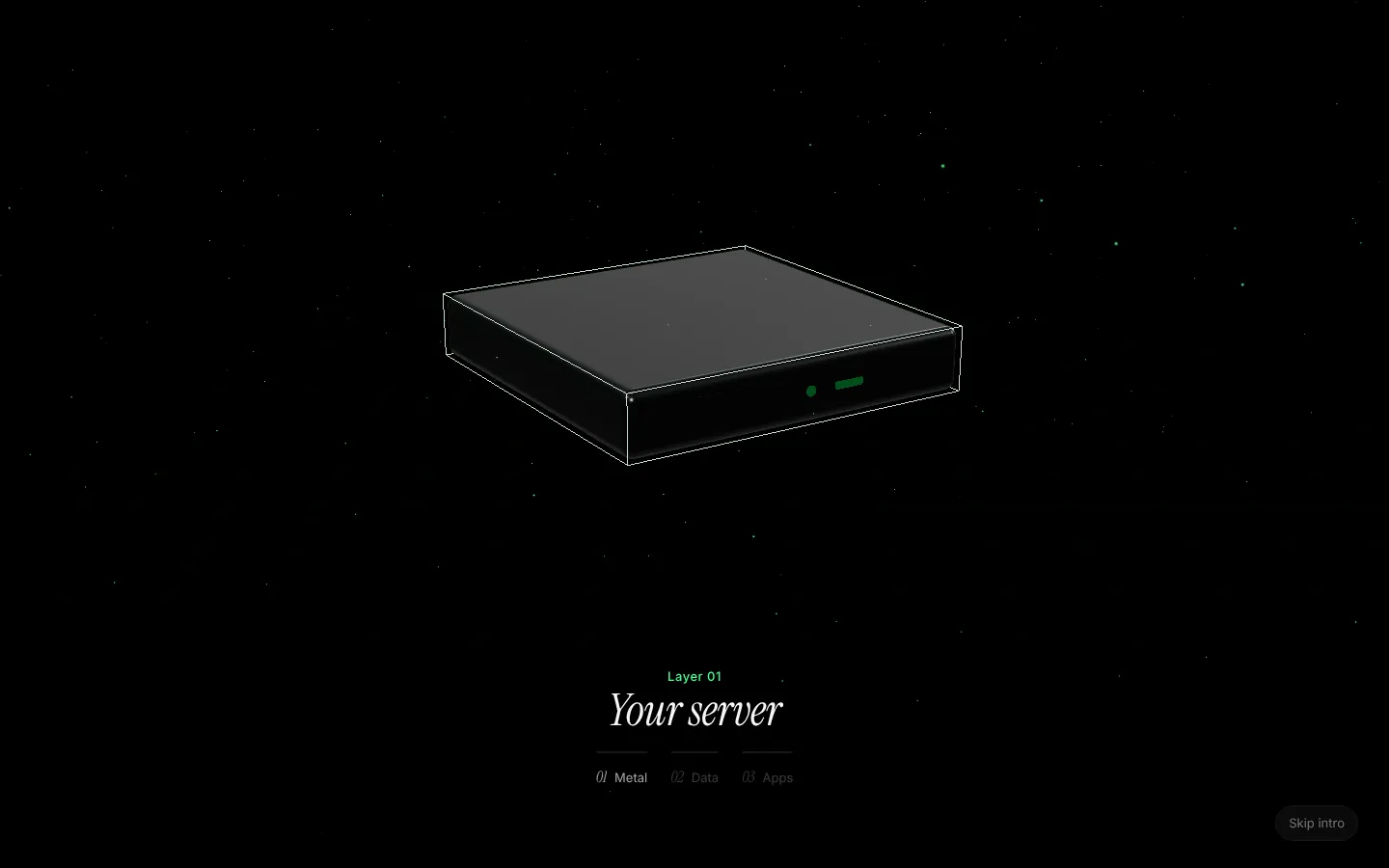
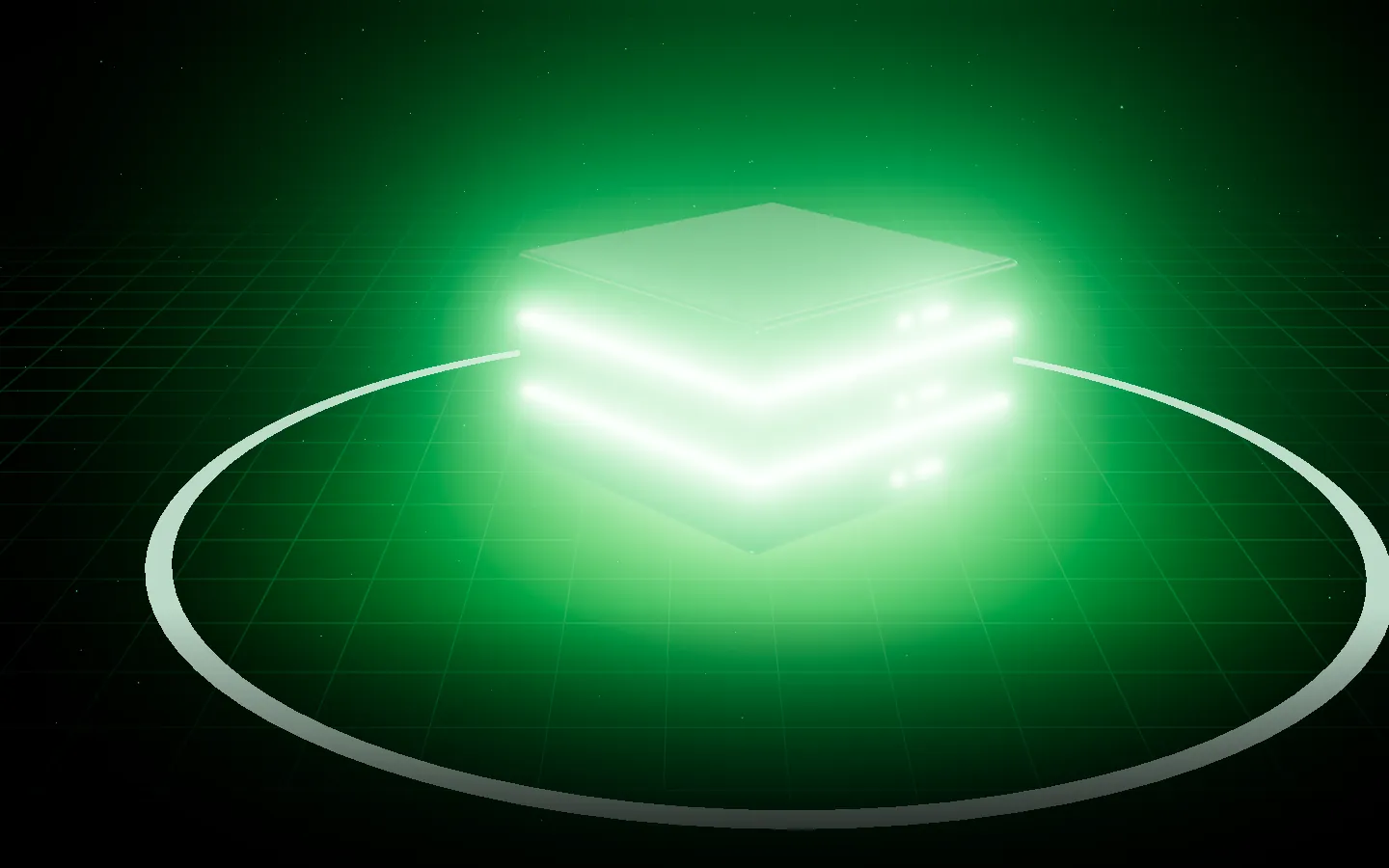
Think of your server as a stack of three slabs. Each one has a job, and each one sits on the one below it.
The bottom slab is the metal: a dedicated cloud server with its own memory, its own disk and its own address. Aria sets it up, hardens it and keeps it running. Nobody else’s app shares it.
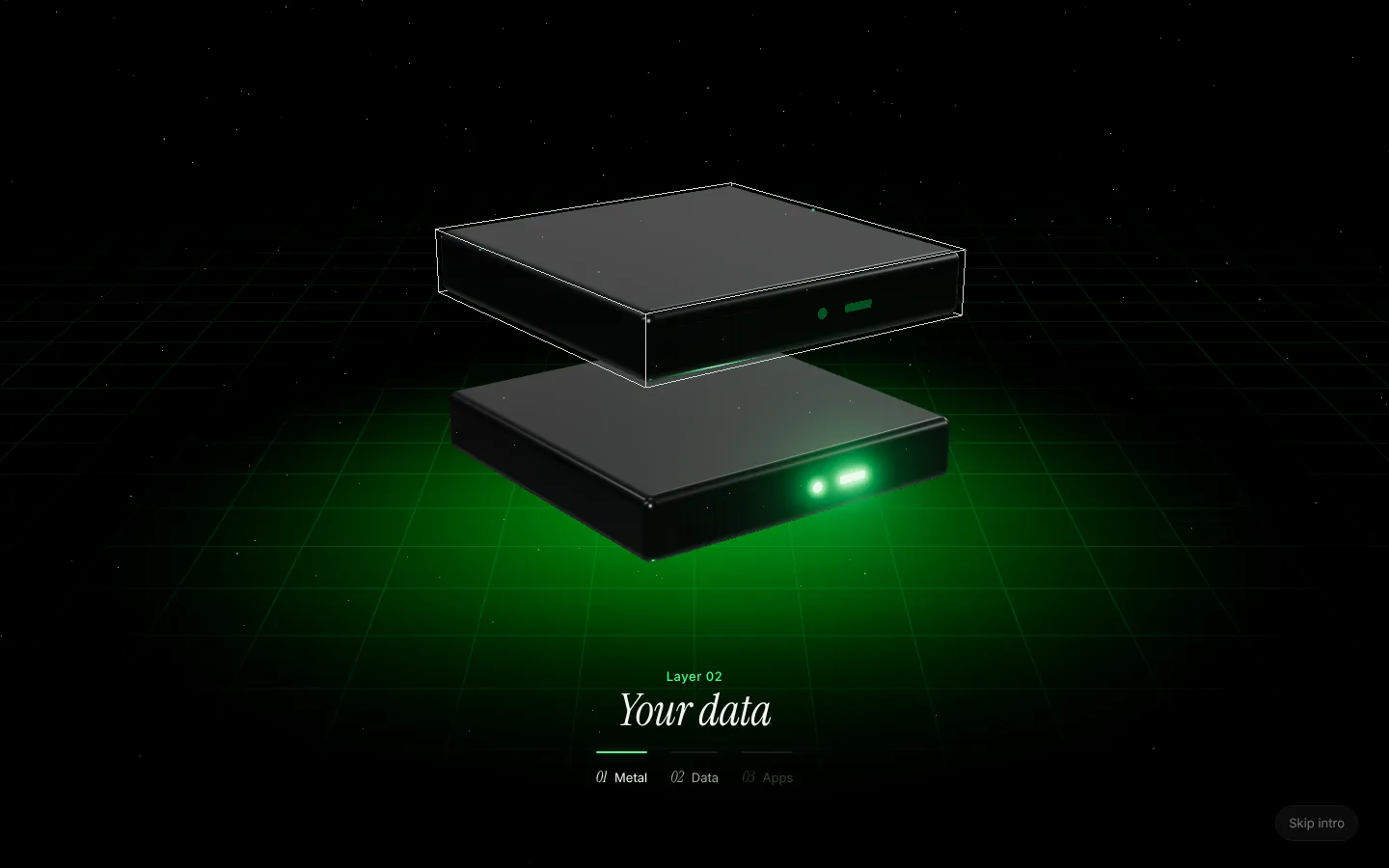
The middle slab is your data. Postgres, Redis or the official self-hosted Supabase run on the same server as your apps, so there is no second bill and no connection string to copy around. Aria wires each database’s address into the services that need it.
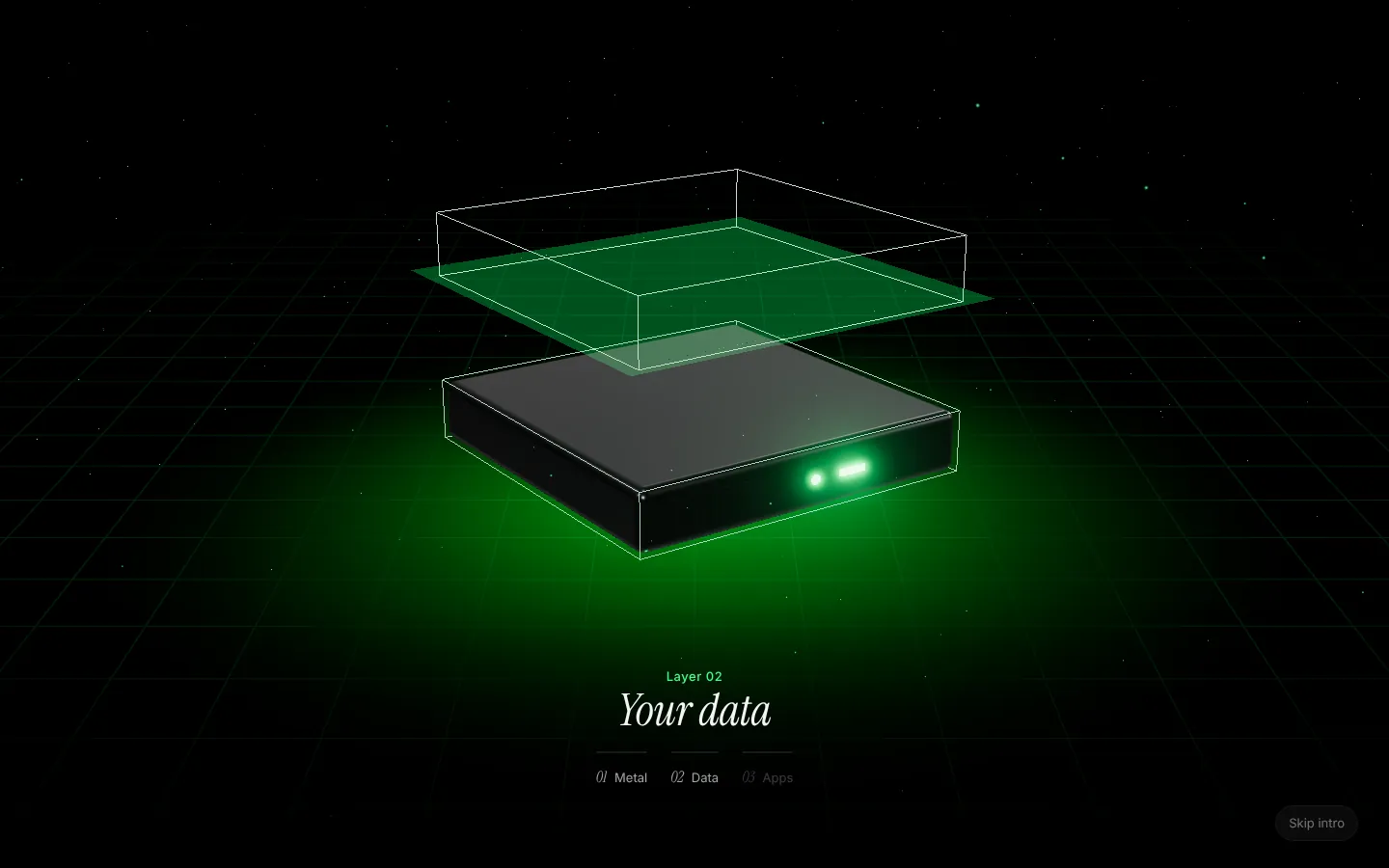
The top slab is your apps: websites, APIs, background workers and static sites, built from your repository with Railpack or your own Dockerfile. When you push a commit, Aria redeploys only the services that commit touched.
The light between the layers
The green light between the slabs is Aria itself. It builds, wires, deploys and watches over everything on the server, and it asks before it changes anything.
That last part matters more than it sounds. Every action in Aria has a safety level:
| Level | What it covers | Who can do it |
|---|---|---|
| Look | Status, logs, health, resource use | Runs straight away, for you or your coding agent |
| Change | Deploys, restarts, installs, settings | Waits for your approval |
| Delete | Servers, databases and their data | Only you, by typing the name |
Aria enforces those rules itself, not the AI, so a clever prompt can’t talk its way past them.
Where you meet it: the homepage
The same stack greets you on the homepage, standing beside the one sentence that sums Aria up.
Locked before you begin
When you create an account, Aria confirms your email with a 6-digit code and then offers two-factor sign-in with any authenticator app. It takes about a minute, and it means a leaked password alone can’t open your servers.
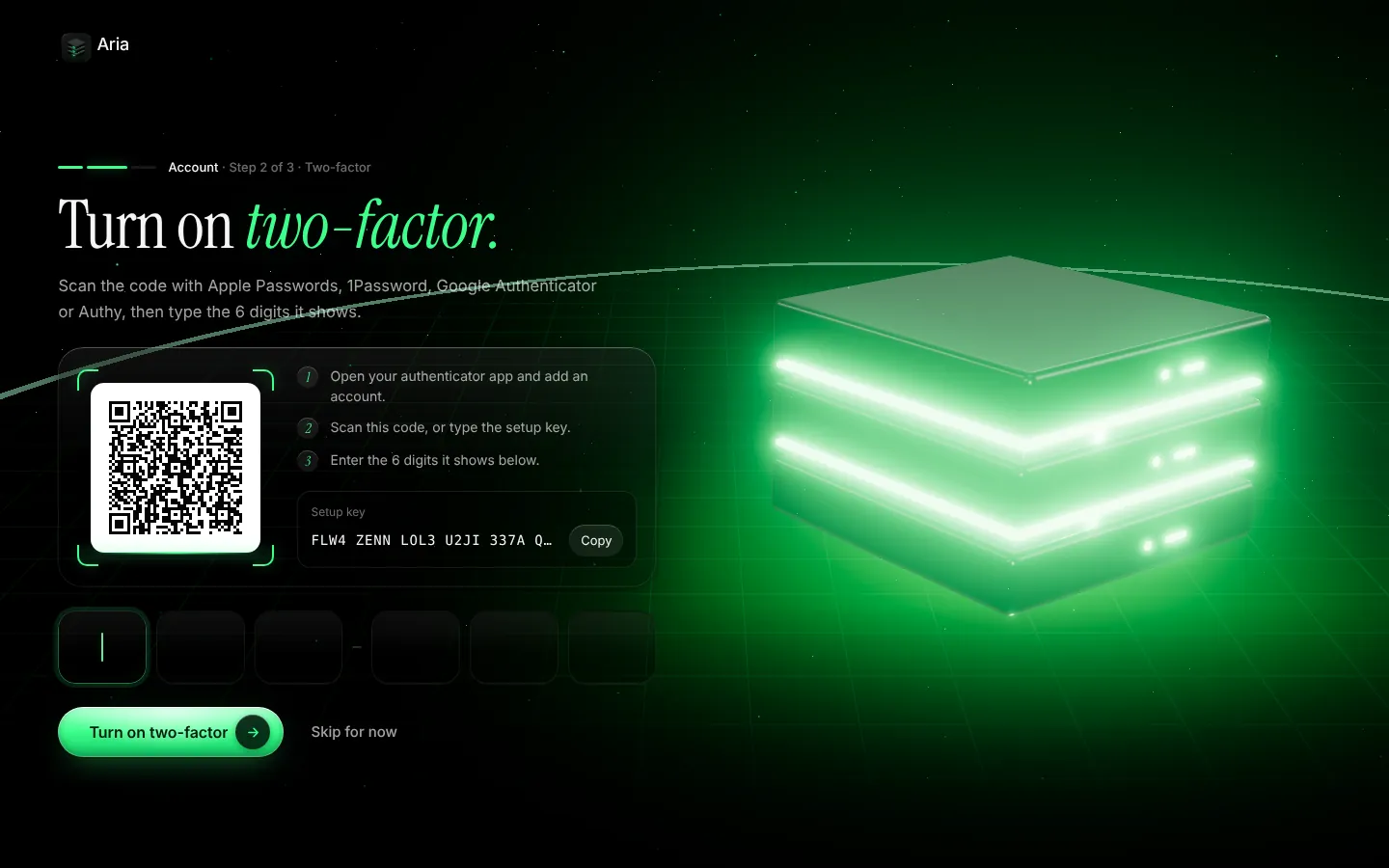
You can skip it and turn it on later from your account, but we’d rather you didn’t.
Mac app or browser
Last, you choose where to work. The native Mac app puts approvals in your menu bar and build logs a click away; the web dashboard does everything with nothing to install. Both run the same account.
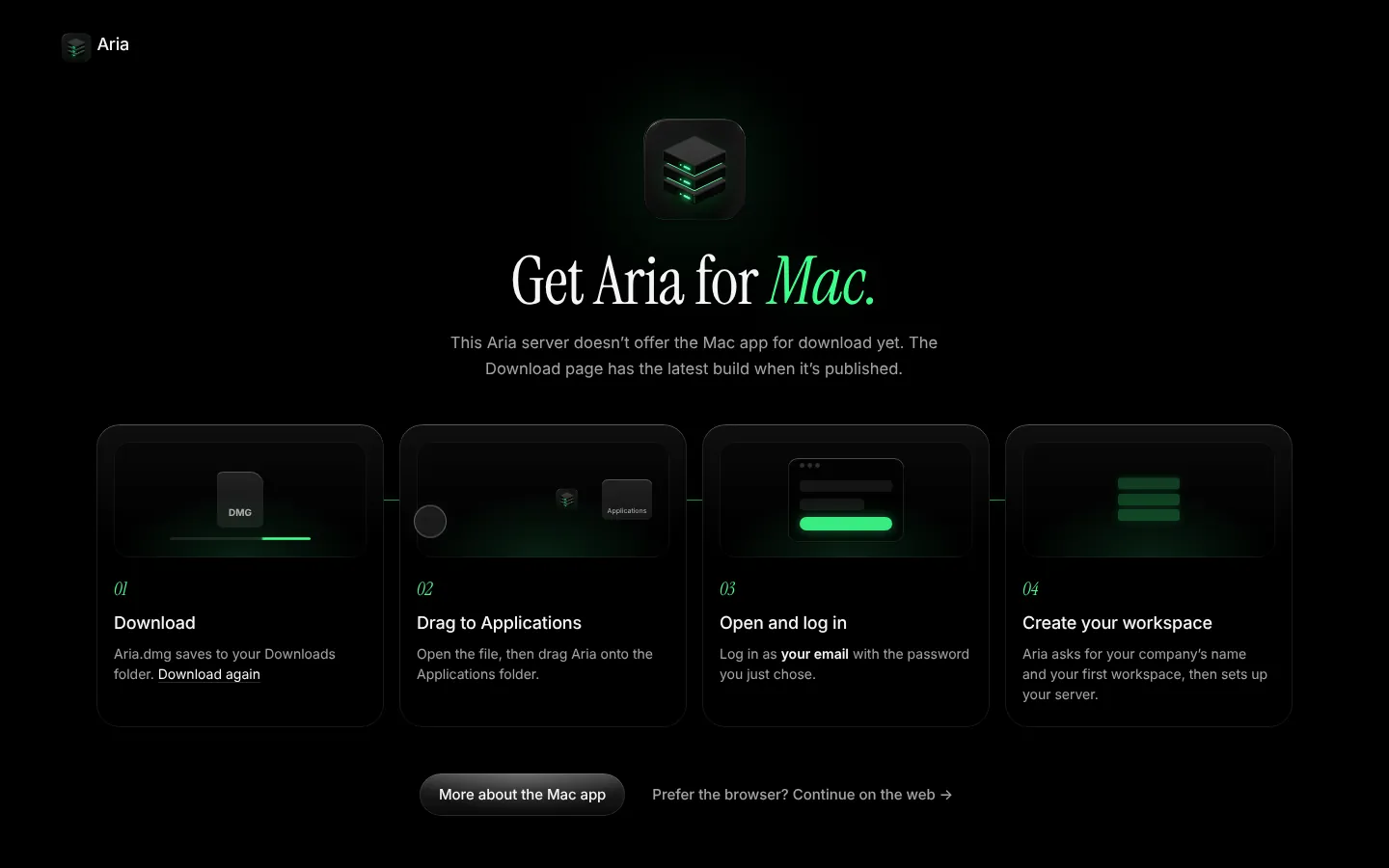
If you pick the Mac, the download starts and four steps show you what happens next. If you pick the web, Aria asks for your company’s name and your first workspace, then hands you to the dashboard.
What it costs
One flat monthly price per server, with draft prices from £8 a month ex VAT. No charges per seat, per app, per database or per request: run as many apps and databases as the server can hold. The pricing page shows every size, and what each one is good for.
Ready to build yours? Get started.
Keep reading
Deploy Next.js on your own server with Postgres and HTTPS
How to deploy a full-stack Next.js app with Postgres, Redis and background workers on your own dedicated server for one flat monthly price.
Deploy with Claude Code: letting an AI agent ship safely
How to let Claude Code or Cursor deploy your app without handing over the keys: safe actions run, risky ones need approval, destructive ones need your say.
Per-seat cloud pricing gets expensive: the flat-price alternative
Why per-seat and usage-based hosting bills climb with your team and traffic, and how one flat monthly price per server works instead. Draft from £8.
Your own cloud. Without the DevOps.
One server that’s yours alone, set up and run by Aria, at one flat monthly price.